Viewing Missing Assessments on the Student Detail Page
Viewing Missing Assessment (Student Detail)
Purpose: The purpose of this report is to give you a view of all of the missing assignments for a specific student.
Steps
1. Navigate to the Student Detail page by Using the Student Search or selecting the student name from any of the lists in the system.

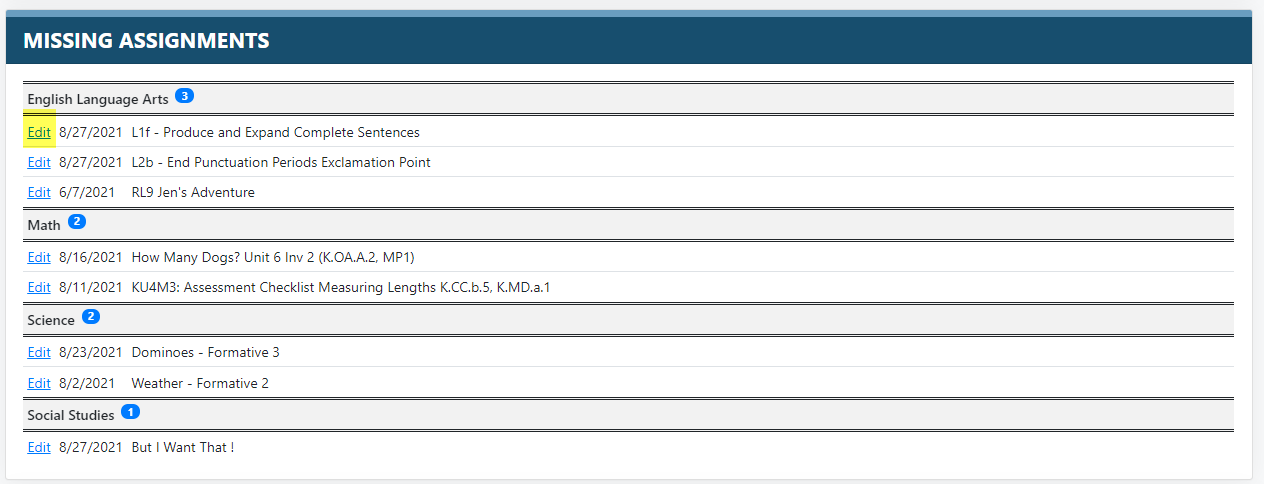
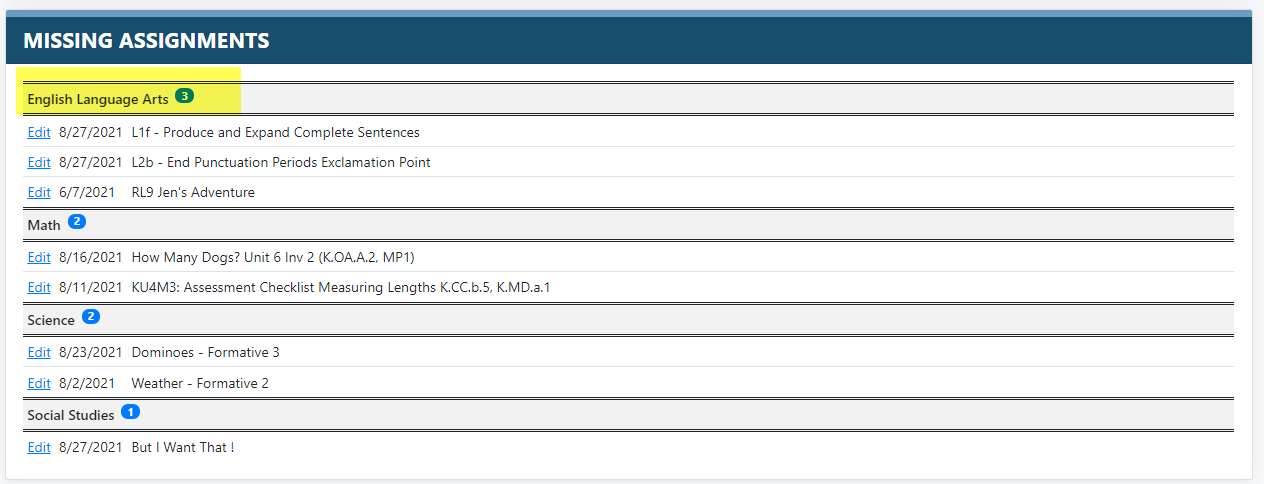
2. From the Student Detail Page a students Missing Assignments can be viewed at the top of the page. They are separated by subject. The number in the header indicated how many assessments are missing for that subject.
3. You can select the Edit link next to an assessment to get to the scoring page of that assessment.